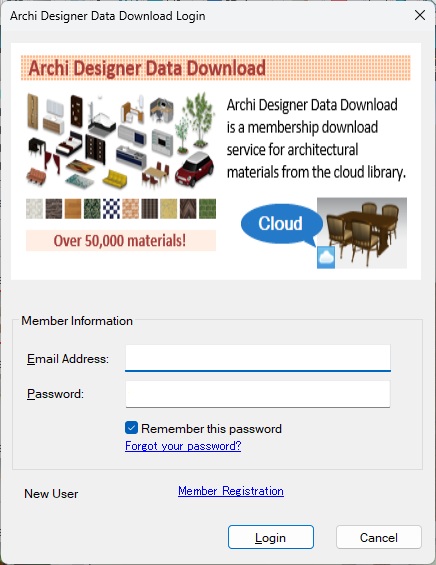
Sign up for data download service
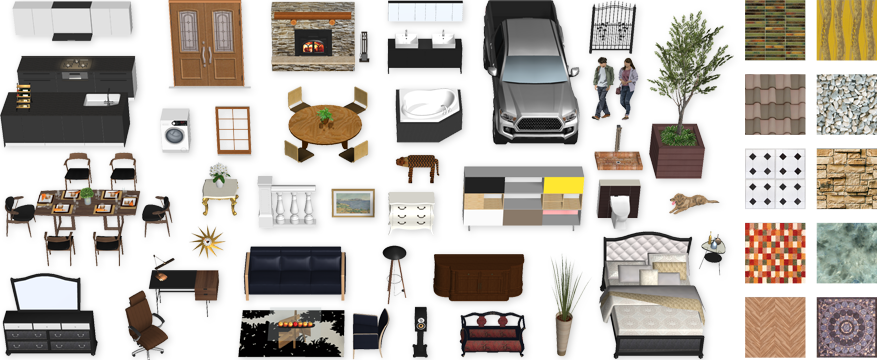
3D Archi Designer software comes pre-loaded with 3D models and textures. To access even more materials, sign up for "Archi Designer Data Download" to gain online access to over 60,000 residential design materials.
Each 3D Archi Designer license includes a free 30-day trial of the data download service.
1. Prepare the following
- Windows PC with one of the following supported products installed
- 3D Archi Designer 10 Standard
- 3D Archi Designer 10 Basic
- 3D Archi Designer Home 14
- Internet connection
- Email address
- 3D Archi Designer 10 Standard
- 3D Archi Designer 10 Basic
- 3D Archi Designer Home 14
2. New member registration
1. Click the link below to sign up for membership.

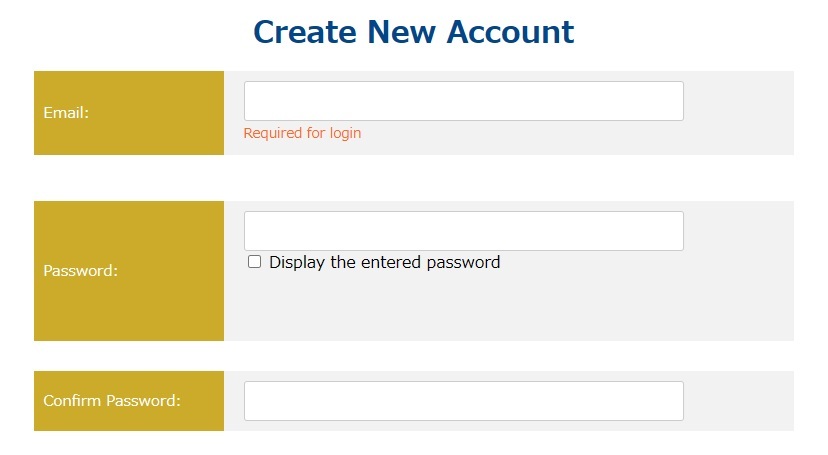
2. Enter your email address and password.
3. Enter your 3D Archi Designer software license key (Online Code).
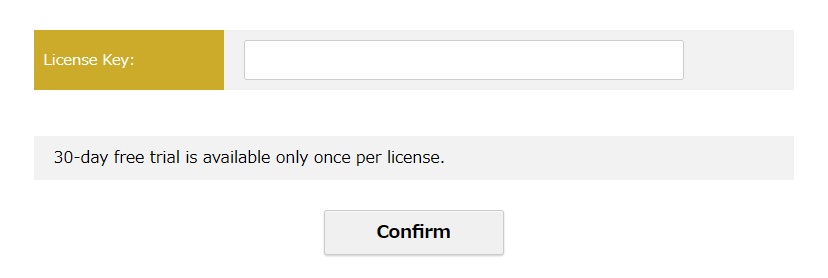
4. Click the “Confirm” button and complete the membership registration.
If this is your first time registering, your 30-day free trial starts today!
5. After completing your registration, you can log in here to view your account details.
Archi Designer Data Download Members Page
3. Try member-exclusive materials
1. Launch the compatible software for which you have registered as a member of the download service.
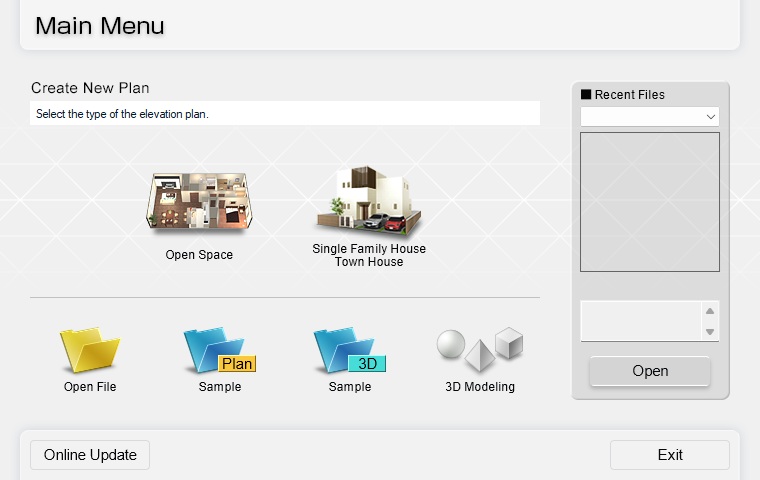
2. Create a new plan or open an existing file to proceed to the 2D or 3D workspace.
3. From the navigation bar on the left, select and click a button for placing materials, such as “Furniture” or “Interior.”
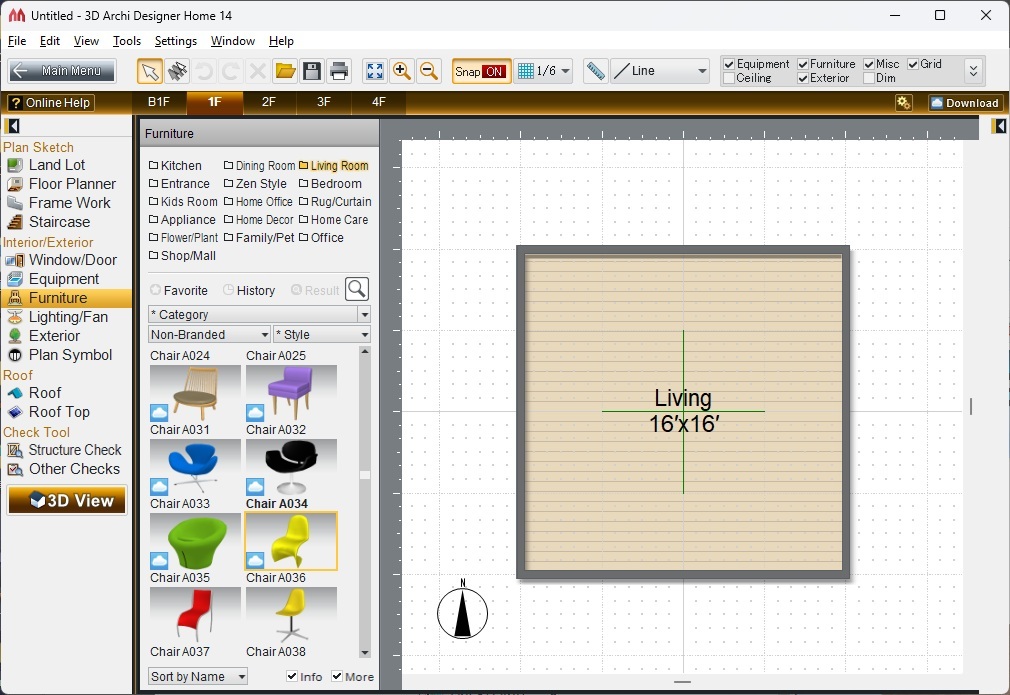
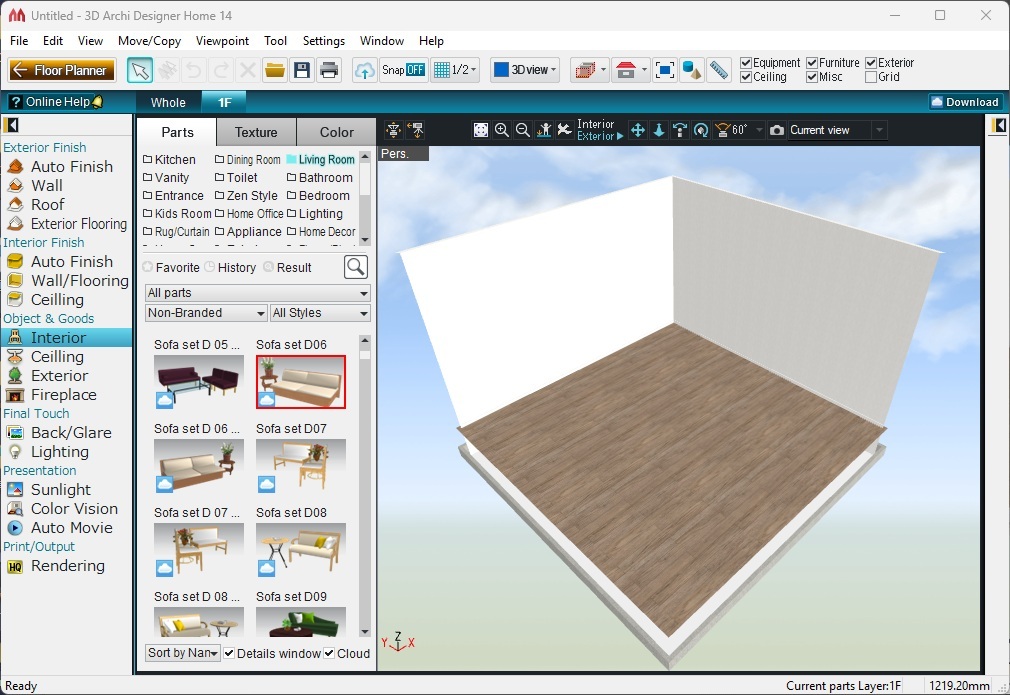
4. Find a material with a cloud icon and drag it onto your plan.
*If you can't find any materials with a cloud icon, check the “More” or “Cloud” box at the bottom of the palette.
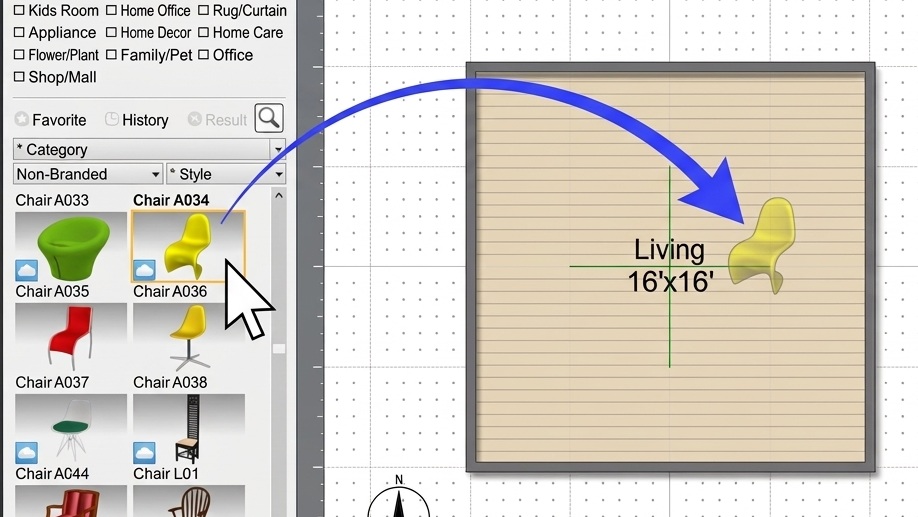
5. A login dialog for the data download service will be displayed.
Enter your registered email address and password, and click "Login".
*If this dialog is not displayed, click “Download” button in the upper-right corner of the workspace.